Migrate anything,
at any scale.
One WordPress blog or a rack of hypervisors — we move it, we verify it, and for standard hosting and VPS migrations we do not charge you a penny. Tell us where things live today and our Manchester engineers plan the cutover around your downtime window, not ours.
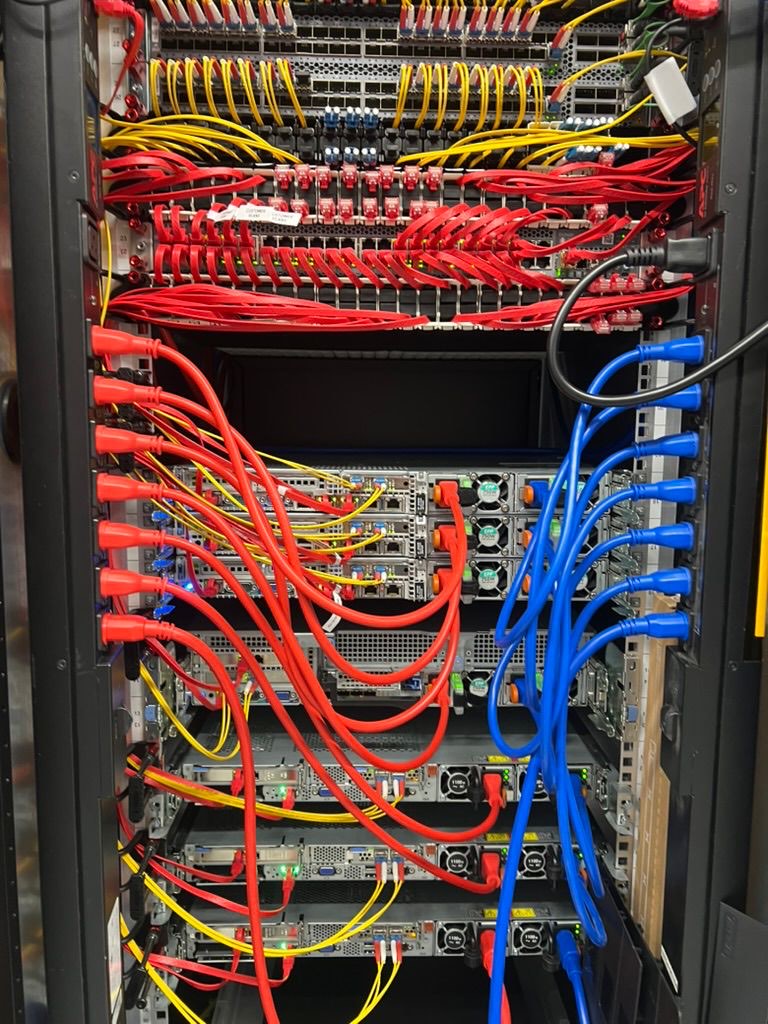
Nothing is too small. Nothing is too big.
Most migration pages quietly mean “one small website”. Ours does not. The same team moves a single brochure site off a shared plan and moves whole production estates between data centres — and the small one gets the same care as the big one.
At the small end that is a WordPress site, a mailbox or two and a domain, done over an afternoon. At the large end it is fleets of virtual machines, clustered storage, database servers that cannot stop taking writes, and physical kit that has to be shipped, racked and re-cabled. Both are migrations. Both are planned the same way: audit, copy, verify, cut over.
If you have been told your setup is “too complicated to move”, that is usually the sentence that gets our attention. Send it to us.
What we actually move
A migration is not just the files. The reason moves go wrong is almost always something nobody listed — a cron job, an SSL certificate, a mail forwarder, a DNS record pointing at an old IP. We inventory the whole thing before we touch anything.
- Websites and application code, including file permissions and ownership.
- Databases — MySQL, MariaDB and PostgreSQL — with a final delta sync at cutover so nothing written during the move is lost.
- Mailboxes with their full folder structure, flags and read state, plus forwarders, aliases and autoresponders.
- DNS zones, record by record, and SSL certificates re-issued or re-installed so nothing serves a browser warning.
- Cron jobs, scheduled tasks, queue workers and background daemons.
- Control-panel accounts, resellers and their customers, packages and quotas.
- Whole virtual machines, disk images and container workloads.
Where we move you from
Shared hosting, reseller accounts, VPS, dedicated boxes, public cloud instances, a cupboard under the stairs, or another colocation hall. If it serves traffic, it can be moved.
Control panels make it easier and we work with cPanel and WHM, Plesk and ispmanager every day. But a panel is not a requirement — plenty of what we migrate is a hand-rolled LAMP or LEMP stack with no panel at all, and that is fine. Where a full account backup exists we use it; where the old host will not provide one, we rebuild from the filesystem, the databases and the DNS instead.
That last case matters more than it should. A host that is losing your business is not always a helpful host. We plan for that rather than being surprised by it.
How a migration runs
Four stages, and you are told what is happening at each one. No silent weeks.
-
Audit
We look at what you are actually running: sizes, versions, dependencies, and anything unusual. You get back a written plan, the risks we can see from here, and a realistic cutover window.
-
Build and copy
We stand up the destination and copy everything across while your current site stays live and completely untouched. Nothing about your existing setup changes at this stage.
-
Verify
We test the copy on the new platform before it is public — pages render, forms submit, mail sends and receives, certificates are valid, cron jobs fire.
-
Cut over
A final delta sync catches anything that changed while we were testing, then DNS moves. You pick the moment, and we are on the other end of it while it happens.
How we keep the downtime at zero
“Zero downtime” is a claim worth explaining, because the mechanics are what make it true rather than the promise itself.
Your existing service keeps running for the entire migration — we copy from it, we do not move out of it. Before cutover we lower the DNS time-to-live so the internet stops caching your old address, and we run a final delta sync so late writes are captured. When DNS flips, both the old and the new are serving; visitors resolving to either one get a working site while the change propagates.
And the old environment stays exactly where it is until you tell us you are happy. If something is wrong, the fallback is a DNS change, not a recovery project.
The big, awkward and “that cannot be moved”
Large estates fail differently from small sites. The problems are multi-terabyte mailstores that take days to sync, databases with too much write traffic to snapshot cleanly, applications pinned to an end-of-life PHP or MySQL version, licences tied to a hardware address, and dependencies nobody documented because the person who built it left in 2017.
These are scheduling and sequencing problems, not impossible ones. Big datasets get seeded early and re-synced in deltas so the final window stays short. Busy databases get replicated and promoted rather than dumped and restored. Legacy runtimes get moved as they are first and modernised afterwards, on purpose, as a separate piece of work — a migration and an upgrade at the same time is how you end up unable to tell which one broke it.
Physical moves — whole racks, colocation changes, kit coming out of an office — get scoped individually, because those involve hands, transport and a maintenance window rather than an rsync.
Email is where migrations go wrong — and where we are strongest
Ask anyone who has lived through a bad migration and the story is almost always about email. It is the first thing a business notices, the hardest part to undo, and the part self-service tools damage most quietly: folder structures flattened, Sent items missing, every message suddenly marked unread, and a week of new mail delivered to a server nobody is watching any more.
We move mail at the protocol level, mailbox by mailbox, and we prove it by counting rather than by hoping. Folder hierarchy, read and unread state, flags and original timestamps all survive. So does Sent — the folder almost every automated tool drops, and almost always the one whose absence gets noticed first.
Volume is a scheduling problem, not a blocker. Large mailstores are seeded days ahead and then re-synced in deltas, so the final switch is measured in minutes rather than days. Where two systems need to run side by side for a while, we can keep both accepting mail until the last mailbox is signed off.
- Full folder hierarchy, including deeply nested and non-English folder names.
- Read and unread state, flags, stars and original timestamps — the mailbox should look untouched, not freshly delivered.
- Sent, Drafts, Archive and Junk, not just the inbox.
- Forwarders, aliases, catch-alls, autoresponders and server-side filter rules.
- Shared mailboxes and distribution lists.
- A delta re-sync at cutover, so mail that lands mid-migration is not stranded on the old server.
- Per-folder message counts reconciled before and after, so “did it all come across?” has a real answer instead of a reassuring one.
Mail systems, deliverability and the switchover
If a mailbox speaks IMAP, it can be moved — which in practice covers almost everything: cPanel and Plesk mail, Dovecot and Postfix, iRedMail, hosted Exchange, Microsoft 365 and Google Workspace mailboxes, and the in-house mail server that has been running since 2014 and has no export button.
Deliverability is planned as part of the move rather than discovered afterwards. SPF, DKIM and DMARC are rebuilt and published for the new platform before the switch, reverse DNS is set on the sending address, and the records are checked against the new infrastructure rather than copied across unchanged from the old one. Getting this wrong is the classic cause of “everything works but our mail goes to spam” a day after a migration.
If you run a filtering or anti-spam service in front of your mail, it is re-pointed as part of the same plan — and if you do not, we will tell you what the new platform gives you by default rather than selling you something you already have.
What it costs
Website, hosting and VPS migrations onto UKNode are free. Not a discounted add-on and not a self-service script we point you at — our engineers do the work.
Large estates, physical moves and colocation are scoped first, because those genuinely vary. You get told what is involved and what it costs before anything starts. What will not happen is an invoice you were not expecting.
Where you land
Everything lands in a Tier III certified data centre in Manchester, on our own AS215262 network, multi-homed and LINX-peered for low-latency reach across the UK.
Support after the move is the same UK team that ran the migration — the people who already know how your setup is put together, because they are the ones who moved it.
From one site
to a full estate.
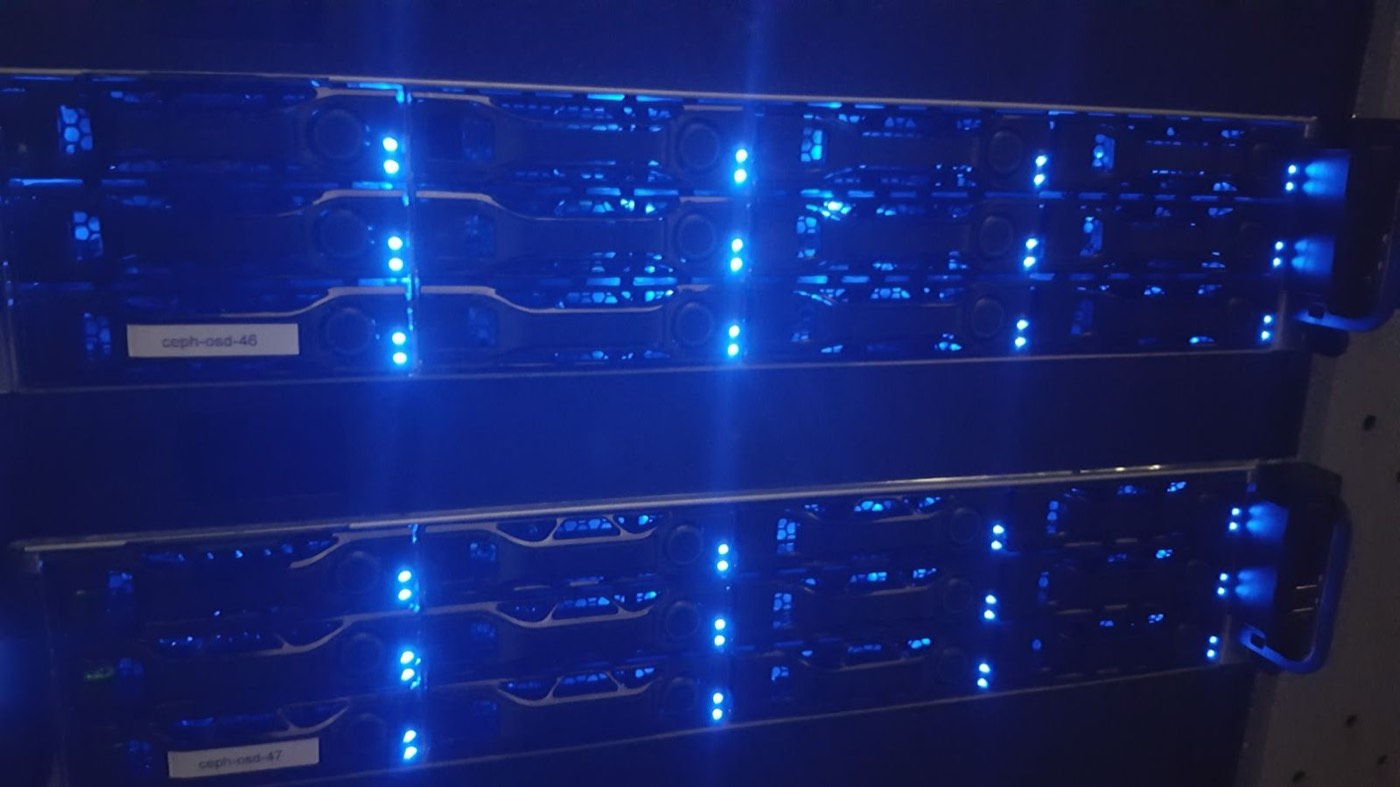
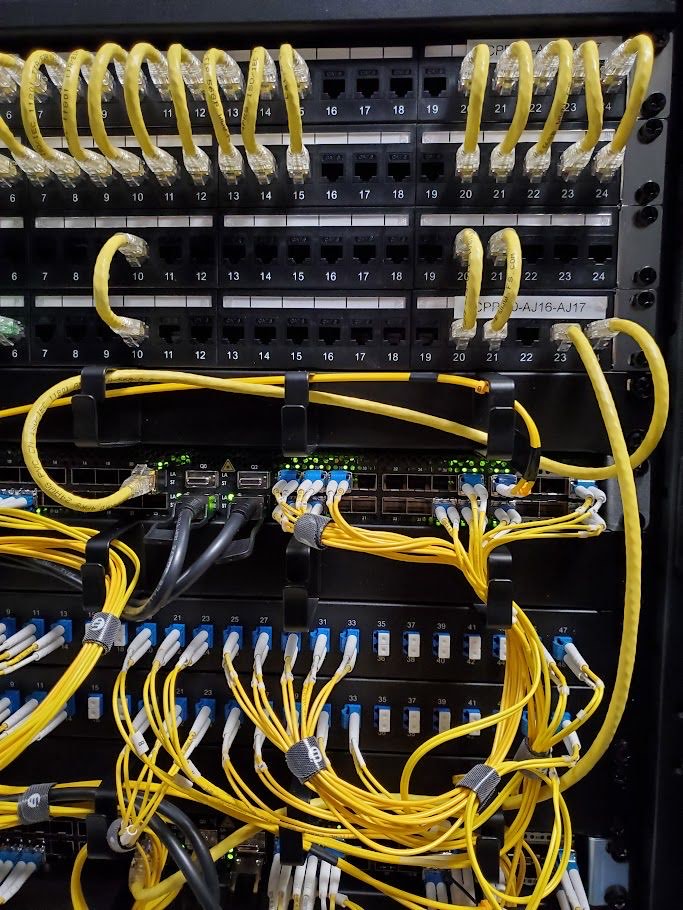
The same engineers who move a single WordPress install also run clustered storage and virtual-machine fleets. That is why the big migrations do not frighten us — it is the platform we operate every day.
- Virtual-machine fleets, clustered storage and multi-node deployments.
- Multi-terabyte datasets seeded early, then delta-synced so the cutover window stays short.
- Your existing environment stays live until you sign it off.
- One team from audit to cutover to the support ticket six months later.
Frequently asked,
plainly answered.
Cannot find your question? Ask our team directly — replies come from real UK engineers, usually within the day.
Tell us what you are running
Send us your current setup — host, control panel, rough data size, anything you think is a problem. We will come back with a plan and a cutover window.